 Royal Himalayans
Android Auto 17.3 Disconnecting Every 2-3 Minutes? Here's the Fix | Royal Himalayans
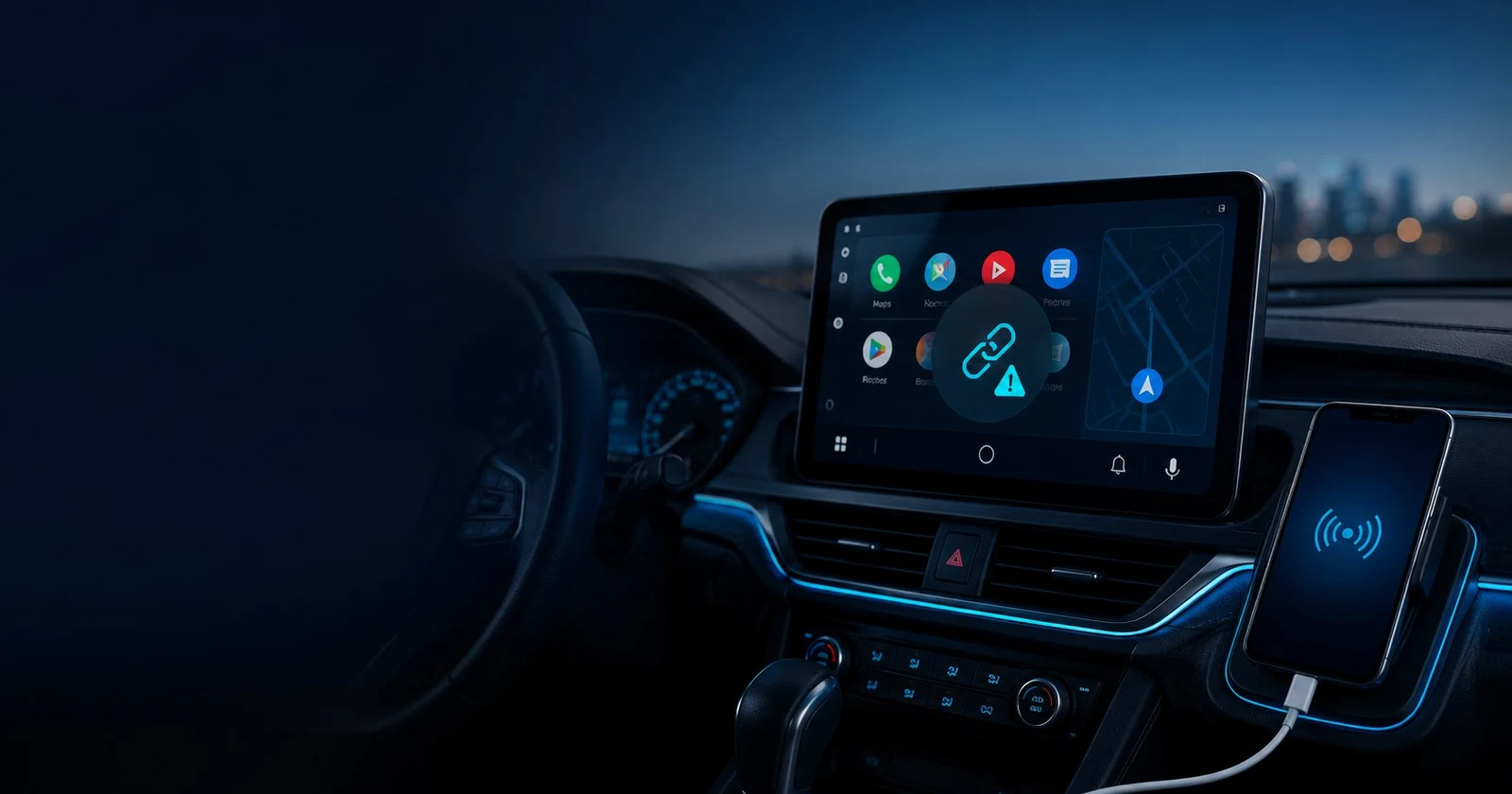
If you've updated to Android Auto 17.3 and your phone keeps disconnecting every few minutes, you're not alone. Google's latest version suffers from the exact same connection bugs that plagued version 17.2, leaving Australian drivers frustrated with constant drop-outs during navigation and music playback.
The good news? It's a software bug, not your new head unit. And there's a reliable workaround until Google ships a proper fix.
What's Happening with Android Auto 17.3?
Users across Australia and worldwide are reporting that Android Auto 17.3 disconnects every 2-3 minutes, whether using wired or wireless connections. The symptoms are identical to version 17.2:
- Phone connects, works for 2-3 minutes, then drops
- "Android Auto has stopped" error messages
- Connection cycles endlessly without staying stable
- Both wired USB and wireless Android Auto affected
- Happens across different phone models (Samsung, Google Pixel, OnePlus, etc.)
If you recently purchased a new Android Auto head unit from our Auburn NSW workshop and experienced these issues, don't worry — your hardware isn't faulty. This is purely a Google software problem affecting users globally, regardless of head unit brand or model.
The last truly stable version was Android Auto 17.1, which worked reliably for most users. Version 17.2 introduced widespread bugs, and unfortunately 17.3 hasn't resolved them.
Why Does Android Auto Keep Disconnecting?
Google hasn't officially acknowledged the specific cause, but the pattern suggests bugs in how Android Auto 17.2 and 17.3 handle:
- Bluetooth handshake protocols for wireless connections
- USB data transfer stability for wired connections
- Background app refresh and power management
- Communication with different head unit chipsets
The issue appears unrelated to specific car models, phone brands, or head unit manufacturers. It's a core Android Auto app problem that affects a significant portion of users who've updated beyond version 17.1.
This means if you just bought a quality head unit and it's giving you grief, the culprit is almost certainly the Android Auto version on your phone, not the hardware we installed.
The Fix: Downgrade to Android Auto 17.1
Until Google releases a stable update, the most reliable solution is to downgrade to Android Auto 17.1 or an earlier stable version like 16.8. Here's exactly how to do it safely.
Step 1: Disable Auto-Updates for Android Auto
First, stop your phone from automatically updating back to the buggy version:
- Open the Google Play Store
- Tap your profile icon (top right)
- Select Manage apps & device
- Find Android Auto in your installed apps list
- Tap the three-dot menu next to Android Auto
- Select Disable "Enable auto update"
This ensures you stay on the stable version once you downgrade.
Step 2: Download the Stable APK Bundle
Android Auto is distributed as an app bundle (not a standard APK), which means you need the official APKMirror Installer app to install it properly.
Download the stable version from this trusted source: Android Auto 16.8.6618 on APKMirror
Why APKMirror? It's the only safe, vetted source for manual Android APK downloads. Never download APKs from random websites — they can contain malware or modified code.
Step 3: Install Using APKMirror Installer
Because Android Auto uses app bundle format, you need the official installer:
- Download APKMirror Installer (Official) from the Google Play Store
- Open the installer app
- Navigate to where you saved the Android Auto bundle file
- Tap to install
- Follow the prompts to complete installation
Your phone will downgrade to the stable version. You may need to reconnect to your head unit once after installation.
Step 4: Test Your Connection
After downgrading:
- Connect your phone to your Android Auto head unit (wired or wireless)
- Drive for 15-20 minutes to test stability
- Navigate, play music, use Google Assistant — the connection should hold
Most users report the disconnection issues disappear completely after downgrading to version 17.1 or earlier.
What About Future Updates?
Keep auto-updates disabled until you see widespread reports that a new version (likely 17.4 or later) has fixed the connection bugs. Monitor Android Auto forums and communities — when a stable update arrives, Australian tech sites and forums will report it quickly.
Once you hear the bugs are resolved:
- Re-enable auto-updates in the Play Store
- Let Android Auto update naturally
- Test thoroughly before trusting it on long drives
Head Unit Not at Fault — Software Bug Confirmed
If you recently upgraded your car with a new Android Auto head unit at our Auburn NSW workshop and started experiencing these disconnects, please know the hardware isn't defective. This is a confirmed widespread software issue affecting users globally, even those with premium factory-installed head units in new cars.
Our Android Auto head units are tested thoroughly before installation and come with a 12-month warranty. The issue lies solely with Google's app version, not the equipment we've installed in your vehicle.
Still Having Issues After Downgrading?
If you've downgraded and still experience problems, it could be:
- A faulty USB cable (for wired connections) — try a high-quality cable rated for data transfer
- Bluetooth interference (for wireless) — remove other paired devices temporarily
- Phone-specific bugs — some Samsung phones need USB debugging enabled in Developer Options
- Genuine hardware issues — rare, but possible
Give us a call at 0449 991 288 and we'll help troubleshoot. If it's a head unit hardware problem, we'll sort it under warranty. If it's phone or cable related, we'll guide you through the fix.
Why Choose Trusted Sources for APK Downloads?
Only use APKMirror or the official Google Play Store for app downloads. Here's why this matters:
- APKMirror is owned by Android Police — a legitimate tech news organisation
- Files are verified cryptographically before upload
- Malicious or modified APKs are rejected
- Version history is preserved safely
Random APK sites often bundle malware, adware, or cryptocurrency miners into modified apps. APKMirror is the only third-party Android app repository trusted by tech professionals worldwide.
When you're manually installing system-level apps like Android Auto that integrate with your car's controls and navigation, security isn't optional.
Get Expert Help with Android Auto in Sydney
Whether you're upgrading to a new Android Auto head unit or troubleshooting connection issues, Royal Himalayans in Auburn NSW has you covered. We specialise in:
- Apple CarPlay and Android Auto head unit installation
- Wireless Android Auto upgrades for older cars
- Dashcam installations with rear camera integration
- Troubleshooting connection and compatibility issues
Browse our range of Android Auto compatible head units or visit our Sydney workshop for personalised advice on the best system for your vehicle.
Book Your Install or Get Help Now
Dealing with constant Android Auto disconnects is frustrating, especially during your daily commute. If downgrading doesn't solve the issue, or if you're ready to upgrade to a quality head unit that works seamlessly once Google fixes their software, call us on 0449 991 288.
We install Android Auto head units across all makes and models at our Auburn workshop, with a 12-month warranty on all installations. Whether you need a wired or wireless setup, we'll get you sorted with equipment that's proven reliable for Sydney drivers.
Check out our full range of head units or read more installation guides on our blog to learn what's possible with your vehicle.